


The first time I realized “AI tools” were going to become a permanent tab in my browser wasn’t some polished “AI strategy” moment. It was me, years earlier, on that janky little site Talk to Transformer, watching GPT-2 spit out paragraphs like a possessed autocomplete.
You’d type in a half-baked prompt—something like “In the future, marketers will…”—and then just sit there like: wait… why is this kind of good? Not “publish it as-is” good. More like “this is the first time the internet has talked back in complete sentences,” good.
Back then, it felt less like productivity and more like discovering a weird new instrument. You weren’t using it to ship blog posts. You were using it to test the boundaries: Can it stay on topic? Can it write a joke? Can it sound like a human who’s had coffee?
Since then, my setup has slowly evolved into a little AI pit crew. Some tools help me write. Some help me think. Some help me stop doomscrolling search results like it’s 2014. And a few quietly run workflows in the background like tiny robots who never ask for PTO.
This isn’t an “ultimate list” or a “best of 2026” roundup. It’s the set of tools I actually reach for (free and paid) when I’m writing, researching, building, automating, or trying to turn a messy idea into something shippable.
Most of them you can try for free because that’s how they got me hooked, too.
Here is my quick list:
Claude — favorite writing assistant (best for clean drafts + voice)
ChatGPT — research assistant + GPT-training / prompt systems
Gemini — content scoring lens (pressure-testing content against Google-y guidelines)
Perplexity — search engine replacement (fast answers with citations)
NotebookLM — turning docs into pitch decks + presentations
Zapier — general automations + Slack bots
Make — more flexible workflows (when Zapier feels limiting)
n8n — power workflows + customization (great if you want more control/self-hosting)
Gamma — proposal building (quick, presentable decks/docs)
Grammarly — grammar + readability polish
Replit - coding when I want to move fast
1. Claude — my favorite writing & coding assistant
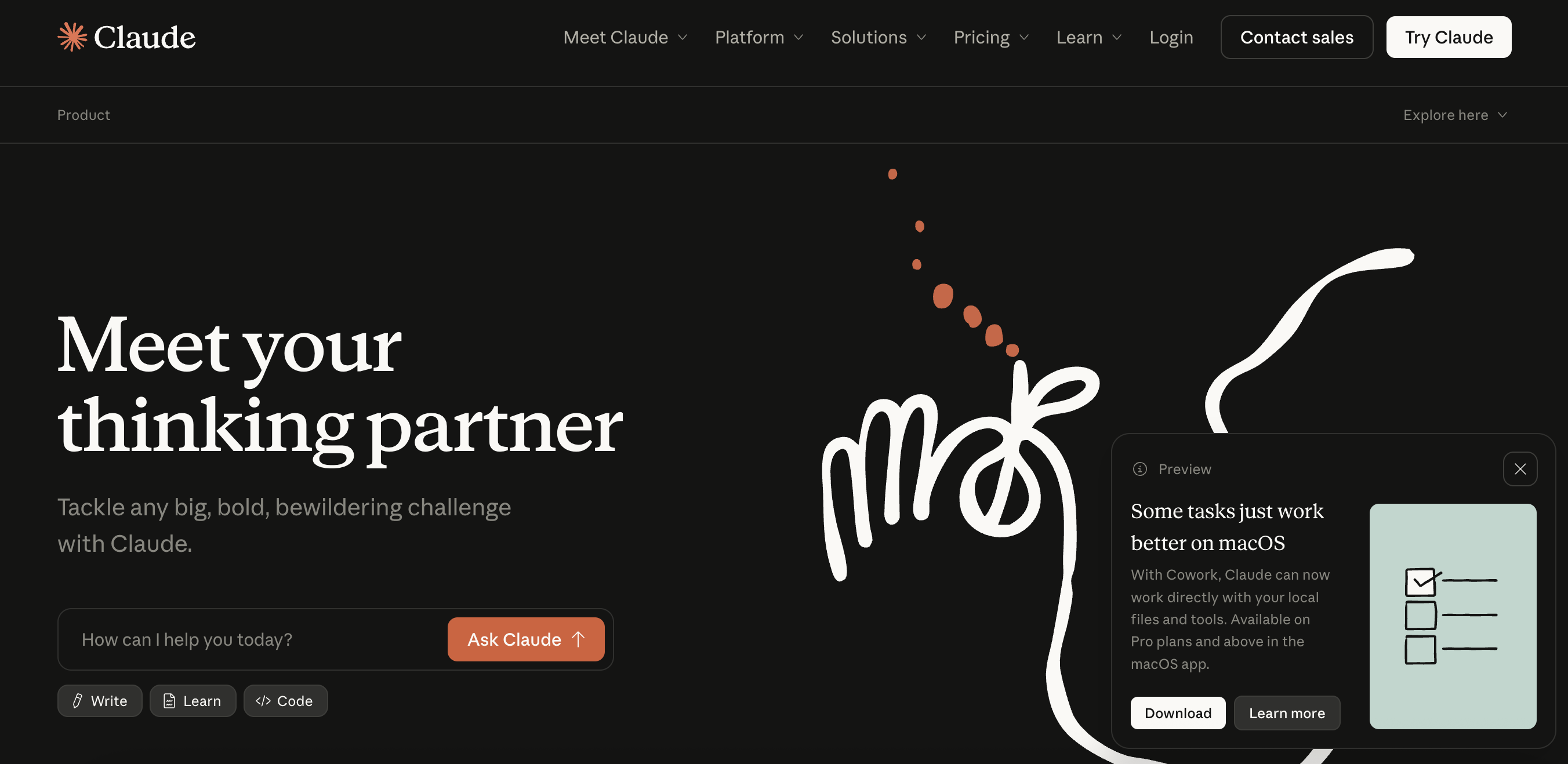
If you’ve ever tried to write a strong opening paragraph while your brain is still buffering, Claude is the friend who goes, “Cool, here are three intros—pick the one that doesn’t make you cringe.”
I like Claude best when I already know what I mean, but I need the words to land. It’s especially good at tone smoothing—making something feel more “agency team with taste” and less “internal wiki doc that accidentally leaked.”
The big win is speed without sacrificing voice. The risk is the same as any writing assistant: if you let it drive too long, you’ll get prose that’s technically fine but emotionally beige. I use it like a blade sharpener, not like a ghostwriter.
And, it will one-shot any small coding task. One of my favorite use cases is creating Python scripts easily for data science & data visualization.
Say like, “I have this fat Google Sheet with this type of data, read it in, and make this epic chart.”
2. ChatGPT — research assistant and GPT-training playground
ChatGPT is where I go when I need range. Research outlines, angle exploration, “what would a skeptical VP ask,” first-pass frameworks, and quick “turn this into a system” thinking.
It’s also the tool I use when I want to prototype the way information should be packaged. If I’m training prompts, building a reusable research workflow, or stress-testing an argument, ChatGPT is the most flexible workbench.
Recently, I have been building lots of custom GPTs using ChatGPT’s “Create a GPT” feature. It’s basically a way to make your own specialized version of ChatGPT with a specific job, instructions, and (optionally) a big pile of reference material to learn from.
In my case, I took it to extremes. I built one that lets me talk to an AI version of Warren Buffett and Charlie Munger when I’m working through business questions.
Under the hood, I fed it over 30,000+ documents, from Berkshire letters and annual meeting Q&As, as the foundation. So, it’s not just generic business advice. It’s closer to their actual logic & reasoning showing up on repeat
Want to read more about this? Read my full article on training a Warren Buffett & Charlie Munger GPT on 30,000 documents.
So, the most underrated use is not “write the thing.” It’s “help me decide what the thing is.” When you use it that way, it’s less like an intern and more like a whiteboard that talks back.
3. Gemini — scoring content against Google’s search model check
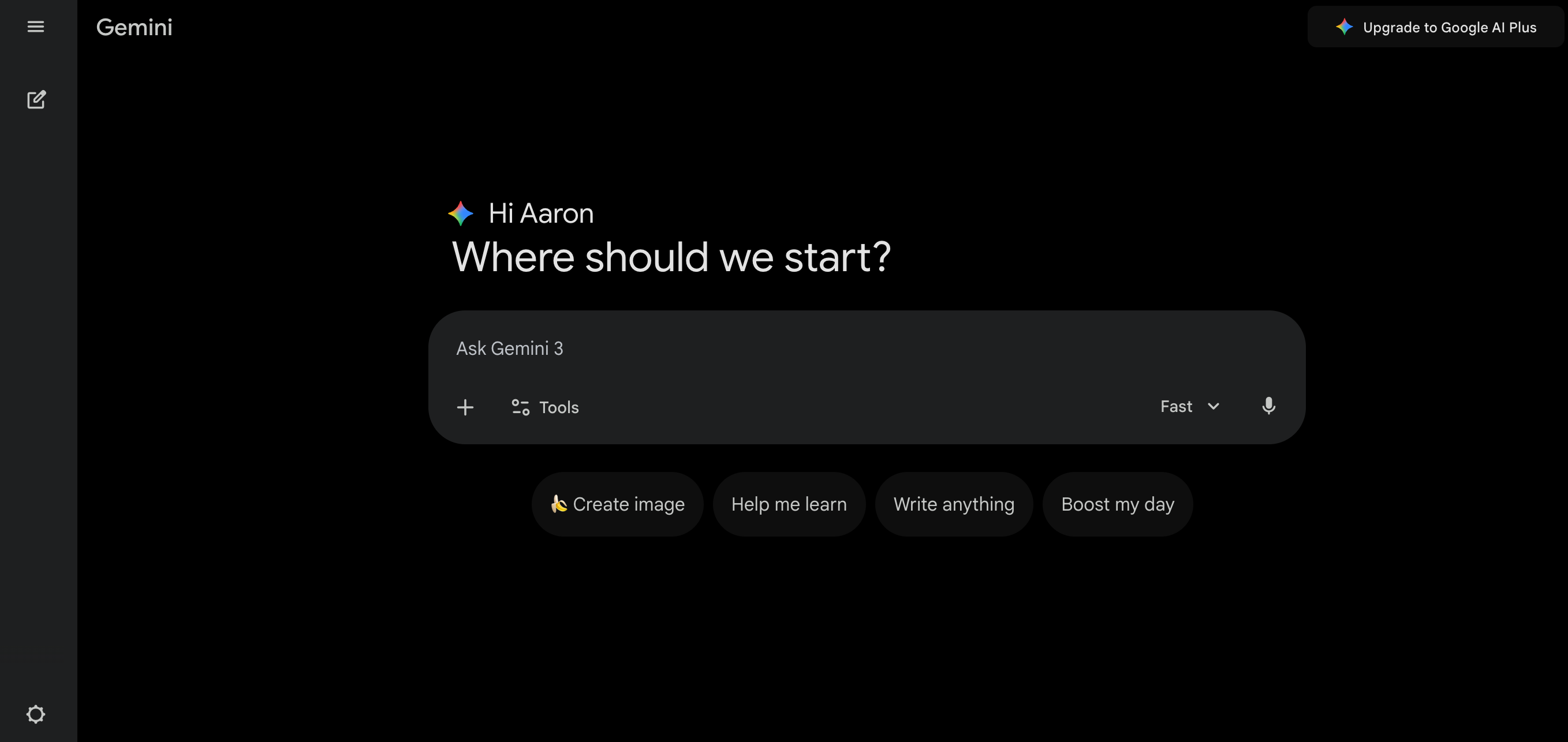
Gemini is the tool I reach for when I want to pressure-test content through a Google-flavored lens.
And yes, I have a theory… Google likely uses something Gemini-like to evaluate pages at scale—not just for keywords, but for overall helpfulness signals, intent match, clarity, and whether the page actually delivers what it promises.
To be clear, I’m not claiming there’s a “Gemini score” that determines rankings. What I am saying is the direction of travel is obvious. Modern search needs models to interpret content quality and intent, and Gemini is the closest public-facing proxy we can play with.
Practically, I’ll use Gemini to ask questions like: does this answer the query cleanly, is the structure logical, and is anything missing that a real human would expect?
4. Perplexity — the “please don’t make me open 14 tabs” search engine
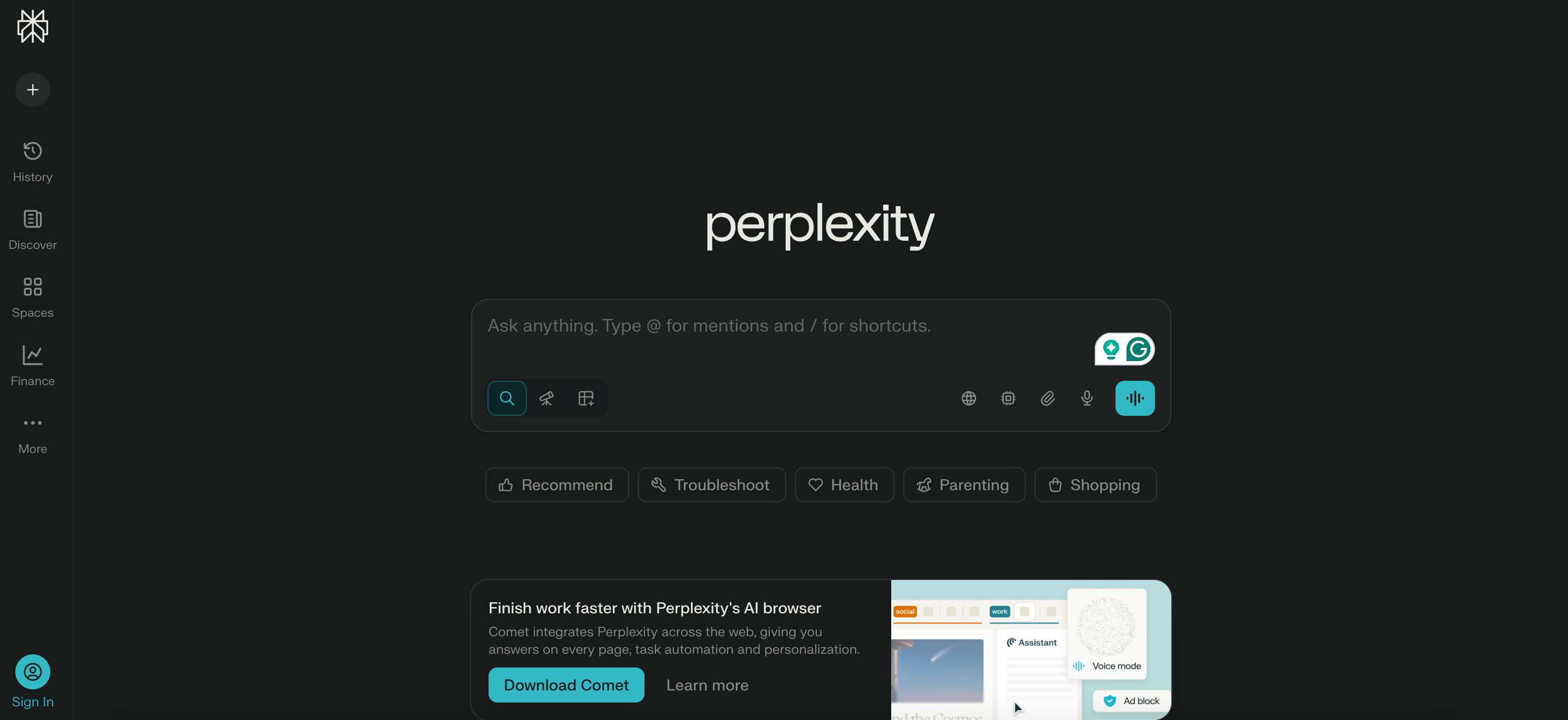
Perplexity is what I use when I’m in research mode and I want sources without the scavenger hunt.
The experience is basically asking a question, getting a synthesized answer, and seeing citations immediately. That workflow matters when you’re writing, pitching, or making decisions fast—because the bottleneck is rarely “lack of information.” It’s “time spent wading through junk.”
I still do manual checking (always), but Perplexity is the fastest way I know to turn curiosity into a usable starting point.
5. NotebookLM — turning docs into decks & visuals
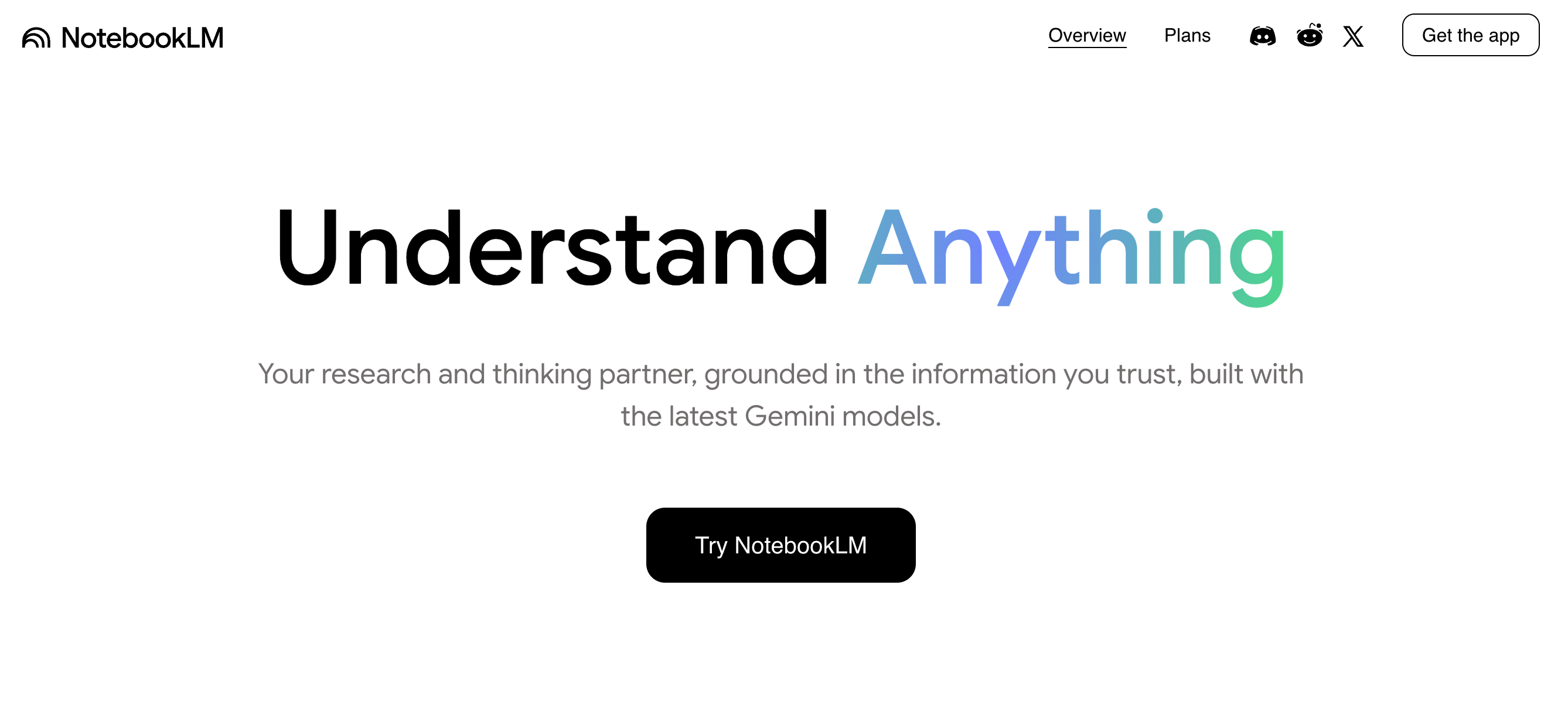
NotebookLM shines when you’re not starting from scratch—you already have material, it’s just scattered across docs, notes, PDFs, transcripts, or “that one doc someone shared in Slack three months ago.”
This is my favorite place to do synthesis: pull in source material, ask targeted questions, generate structured summaries, and extract the narrative thread you can actually present.
I’ve used it specifically for pitch-deck prep because it helps with the hard part: not “make slides,” but “decide what matters.”
Once the story is coherent, the visuals are just packaging.
6. Zapier — general automations and Slack bots that save your sanity
Zapier is my “I just want this to work” automation layer.
If the task is straightforward—send alerts, route form fills, push updates into Slack, log something into a sheet—Zapier is usually the fastest path from idea to running system.
It’s not always the cheapest at scale, and it’s not the deepest for complex logic. But it wins on convenience and speed. When you’re building operations, shipping beats perfect.
7. Make — workflows when you want more control
When Zapier feels like it’s boxing you in, Make is the next step up for me.
It’s great when you want visual workflow building with more flexibility—multi-step routing, data manipulation, branching logic—without fully dropping into “engineer a platform” territory.
If you build even a couple of repeatable systems (content pipelines, lead routing, reporting, internal alerts), Make starts paying for itself in saved brain cycles.
8. n8n — workflows when you want ownership and customization
n8n is what I use when I want that extra layer of control and customization. It’s the “I want my automations to behave like software” option—especially appealing if you like self-hosting or you need more control over data flow.
The simple way I think about it: Zapier is the quick win, Make is the flexible middle ground, and n8n is the power-user path when you’re ready to build something that feels like infrastructure.
9. Gamma — proposal building when you want to look like you tried
Gamma is for the moment when you have something to say, but you don’t want to spend your entire afternoon aligning boxes.
It’s proposal-friendly, pitch-friendly, and “make this look presentable fast” friendly. I’ve used it for client-style proposals and internal narratives where the goal is clarity and momentum—not design awards.
The sneaky benefit is that it reduces the friction between idea and presentation. When the packaging is easy, you ship more.
10. Grammarly — polish & readability
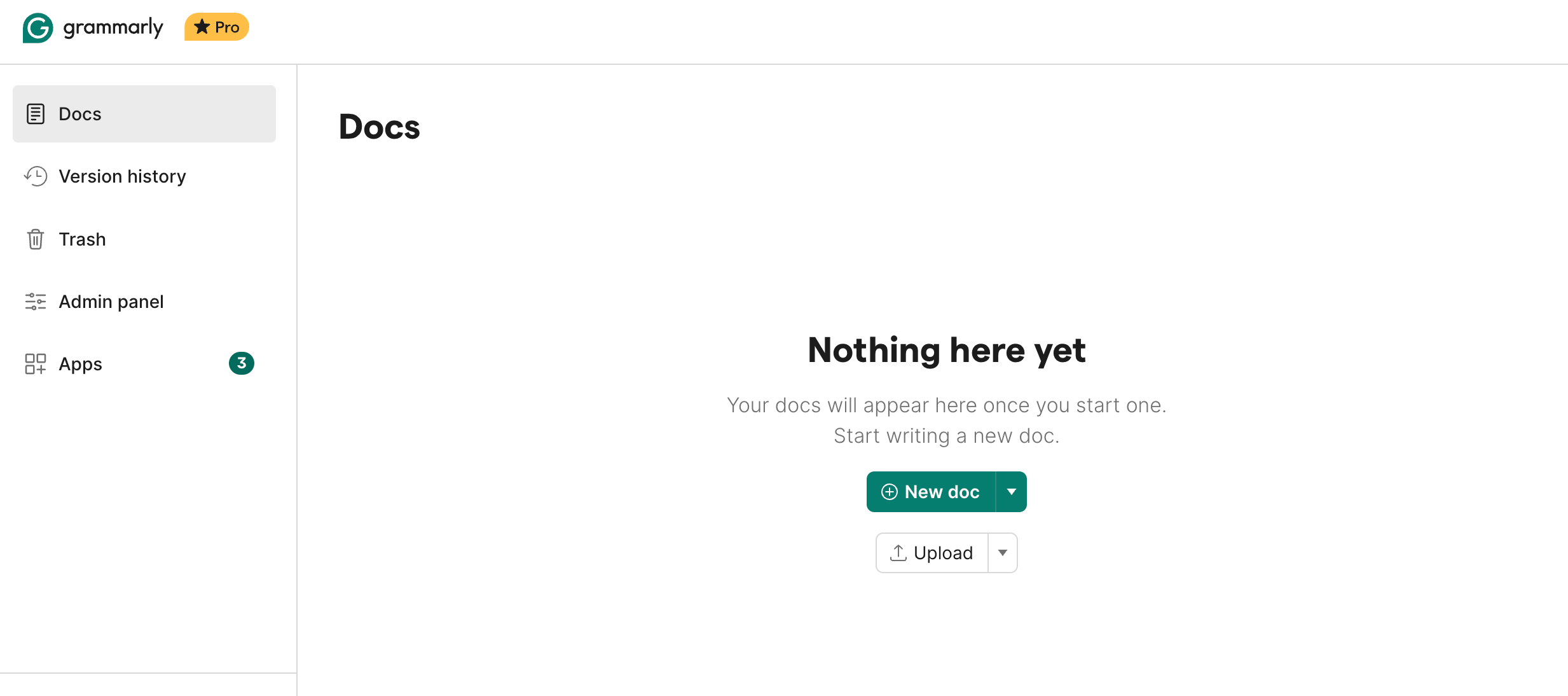
Grammarly is still one of the simplest “make this better” tools in my stack.
I use it for grammar and readability, obviously. But I also like having an extra authorship-style sanity check when I’m worried a draft is drifting into that too-smooth, too-generic zone.
Not because I’m trying to “game” anything—more because I want writing to feel like it came from a person with a pulse.
11. Replit — coding when I want to move fast
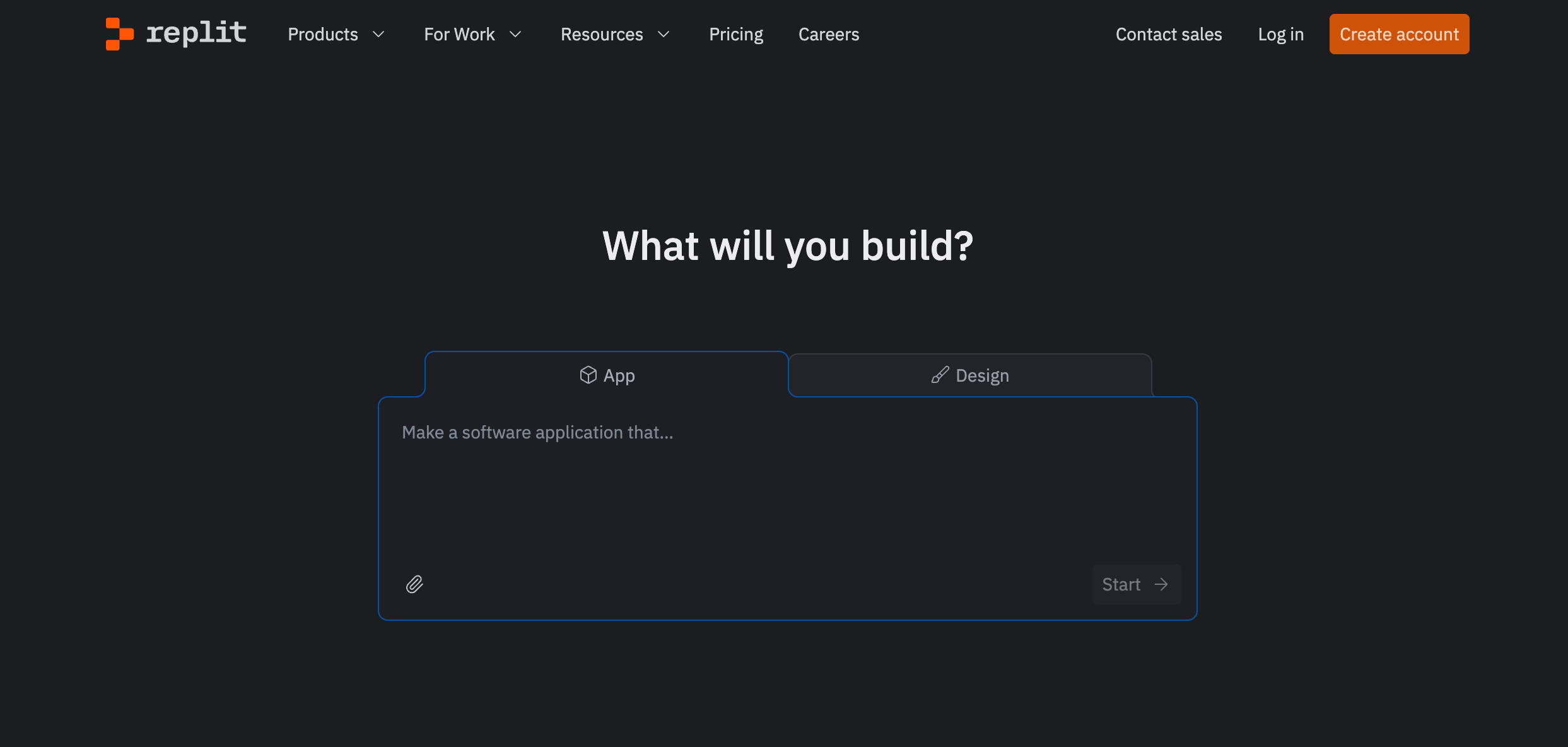
Replit is one of my favorite tools for coding because it gets you from “idea” to “running code” with almost no ceremony.
When I’m prototyping something, testing an automation script, experimenting with an API, or building a small internal tool, Replit keeps the momentum high. It’s the difference between “I’ll do it later” and “it exists now.”
And honestly, that’s the whole point of a good tool stack: fewer roadblocks between intention and output.
Build a stack that removes friction
I had to reduce the whole setup to a few words, because most of these tools aren’t “hands-off automation.” They’re AI + expert. This means thatthe AI gives you leverage, but you still steer.
You’re the editor. The strategist. The one who knows what “good” looks like.
That distinction matters because many people enter AI hoping for a Roomba for their job. Hit start, go make coffee, come back to a finished strategy doc and a perfectly formatted deck.
In reality, the highest ROI stack is closer to you + a bunch of specialist copilots.
Claude is for writing that sounds like a person, but you still decide the argument and the tone. ChatGPT is for thinking and structuring, but you still have to pick the angle and make the calls. Gemini is for a Google-ish reality check, but it’s not the decider. Perplexity is research speed with receipts, but you still verify and synthesize. NotebookLM is for wrangling chaos into a narrative, but you still choose what goes in the story and what gets cut.
Then you’ve got the automation layer—Zapier, Make, n8n—which can get closer to hands-off, but only after you’ve done the expert work of defining the workflow. Automation doesn’t replace judgment. It replaces repetition.
Gamma is packaging. Replit is shipping code faster. Grammarly is polish and “does this read as a human wrote it” sanity checking. None of that is fully hands-off.
It’s just removing the annoying parts so you can spend more time on the parts that actually matter.
Tools don’t replace strategy. They remove friction.
And when you remove friction, you get more reps, more drafts, more experiments, more distribution, and more iteration.
That’s where the compounding happens.
If you’re building your own stack, don’t copy mine perfectly.
Copy my pattern: one tool for writing, one for research, one for synthesis, one for automation, one for visualizing.
Then keep what you actually use, and ruthlessly delete the rest. Because that monthly AI subscription bill will creep up on you fast.
I have been trying to actively decrease the number of systems right now. I have concentrated on just claude and gemini, with claude being my goto for most things. It can take on larger projects and it more predictable than gemini and chatgpt. I only use chatGPT for demos now since that is what most people use for their GenAI. It is interesting that as claude and gemini have become more predictable, which is great for defined work, they are not as good for creative ideation. ChatGPT is still unpredictable, which makes it better for creative ideation (where unpredictability is a feature not a bug).
Also starting to systematically reduce the information systems I use as there is too much overlap and various AIs being added here and there. Being able to constrain systems and AIs is important to me now, and blocking time for deep work with my AI assistant at my side.